
- Learn a vocal part. Hear phrasing, breaths and harmonies more clearly than in the full mix.
- Study pronunciation. Follow the words of a song in another language at the speed they’re sung.
With a Google sign-in, upload an MP3 or WAV and let the AI pull the vocals out as their own track. Listen for bleed and reverb, then download the vocals as WAV.
Free with Google sign-in: 10 minutes of processing per calendar month. MP3 or WAV, up to 30 MB and 5 minutes. Processed in the cloud.
Choose an MP3 or WAV to separate into two tracks.
MP3 / WAV · 30 MB max · 0.5 seconds–5 minutes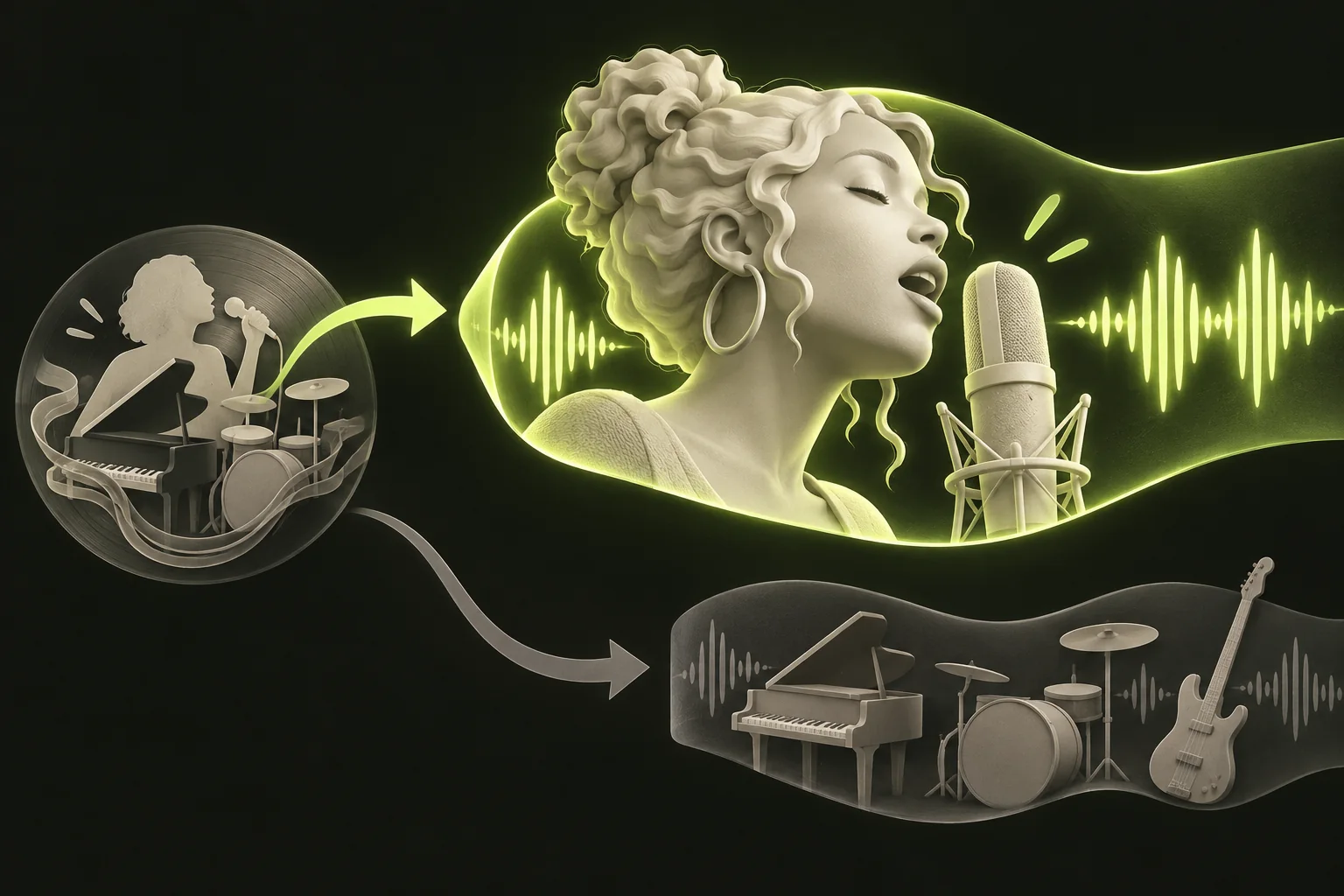
Choose Vocals first and check the voice before editing.
Here’s what applies before you choose a song.
New cloud tasks keep results for 24 hours on Free, 7 days on Pro, or 30 days on Studio. The expiry shown with each task stays fixed when you open it or change plans. Reusing the same available result does not use more minutes.

Start with an MP3 or WAV you own or have permission to work with. Then follow five steps.
An acapella can sound fine on a quick listen and still fall apart in a remix, so check it closely before you build on it. Play your original in your usual audio player and the Vocals track in StemNook, at the same moments.
The illustration near the top shows the task of taking Vocals into an authorized remix. It highlights the voice, while the combined instrumental remains a separate output. It is a conceptual workflow, not a sample of a song processed by StemNook. Judge your own result by listening for instrument bleed, consonants and reverb tails.
Try a different version of the song if you have one. A mix with less reverb or fewer instruments behind the voice gives the separation less to untangle. You can also use only the sections that came out cleanly.

The extractor accepts MP3 and WAV files only. Video files, other audio formats and web links aren’t accepted.
Both results download as WAV at 44.1 kHz, 16-bit, stereo. There’s no MP3 download, so if a project needs MP3, convert the WAV with another tool.
The Vocals track is the AI’s estimate of the voice in a finished mix. It isn’t the original studio vocal recording, and WAV output doesn’t make it lossless or keep your file’s original encoding.
A WAV at 44.1 kHz, 16-bit stereo takes about 10.6 MB per minute, so the vocals from a three-minute song come to about 32 MB. On upload, a WAV of that kind passes 30 MB at just under three minutes, so an MP3 copy of a longer song is the easier way to stay within the limit.
An isolated vocal lets you hear the singing without the band covering it.

Extracting vocals doesn’t change who owns a recording. Use only audio you own or have permission to work with, and check the rules before you publish, sell or perform anything built on it. This isn’t legal advice.

AI separation guesses which parts of a finished mix belong to the voice. Results vary from song to song, and the Vocals track can carry traces of other sounds.

Separation happens in the cloud, so your file is uploaded. Free-account results are available for 24 hours after processing finishes, so download the vocals you want to keep before then.
Match what you see to the right fix.
Yes, within a limit. You sign in with Google, and each free account gets 600 seconds (10 minutes) of processing per calendar month, shared across all your files.
The AI estimates the voice from a finished mix, and sounds that share its frequencies, like cymbals or guitar, can leak through. Dense, loud arrangements tend to leave more behind. Try another version of the song, or use the cleaner sections.
No. All the singing comes out together on one Vocals track, and some harmonies may end up partly in the Instrumental track instead.
Not necessarily. Reverb and echo that were part of the voice in the original mix often stay with it, and the tool doesn’t remove them.
No. The Vocals track downloads as a WAV file. Convert it with another tool if you need MP3.
Check the message shown. If it says this file needs more processing time than you have left, its duration rounded up to whole seconds exceeds your remaining allowance. An exactly 3-minute file reserves 180 seconds, so 120 seconds left is not enough. Format, size, duration and sign-in messages need their own checks.
Wait a moment and check the same separation again before starting a new one. A connection problem can interrupt the progress display while the separation may still be running, and starting over may use more of your monthly time.
It’s the same separation with a different goal. An acapella extractor is for the Vocals track; a vocal remover is for the Instrumental track. Here, the vocals come first, and the Instrumental track is there if you need it.
Only with the rights to do so. Extracting the vocals doesn’t give you permission to use them. Check with the rights holder before you publish or sell anything. This isn’t legal advice.