
- Practice and study. Break a rehearsal take or a short lesson into minute-long parts you can repeat one at a time.
Choose an MP3 or WAV, set how many seconds each part should last, and split it into ordered WAV parts. The last part keeps whatever time is left over. Splitting runs in your browser.
Splitting runs in your browser. MP3 or WAV, up to 30 MB and 10 minutes. Up to 60 parts, downloaded as WAV files.
Or choose a file to start making your cut.
MP3 or WAV · Up to 30 MB · 10 minutes max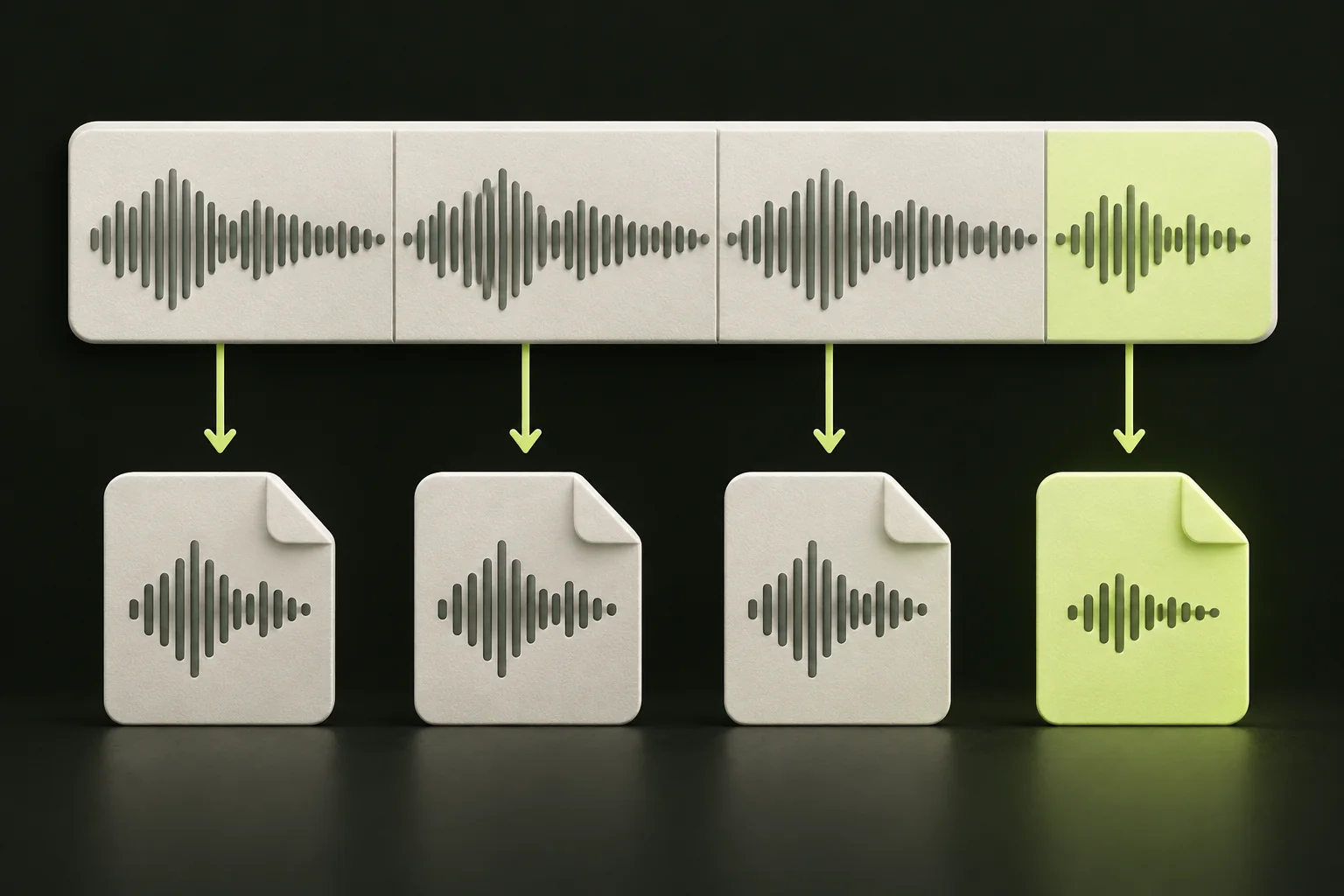
60 seconds per part leaves a final 42-second clip.

Check these before you choose a file.

You’ll need an MP3 or WAV that you own or have permission to edit. Splitting by length takes five steps.
The number of parts is the file’s length divided by the clip length, rounded up. To stay within 60 parts, choose a clip length of at least the file’s length divided by 60. For a 10-minute file, that means parts of 10 seconds or longer. For a 3:42 file, any length from 4 seconds up works.

The last part is where a split most often surprises people, so it’s worth working through one example.
Say your MP3 runs 3:42, which is 222 seconds, and you set the clip length to 60. You get four parts:
The fourth part is shorter because 222 seconds doesn’t divide evenly by 60. It isn’t dropped or stretched: it keeps the last 42 seconds of the recording. The figure shows the same four parts in order, with each part’s number, its time range in the original and the shorter final part. The lengths add up to 222 seconds, the length of the original.
This is arithmetic, not a test result. No parts were exported for this example, so check your own files after you download them.

Input. StemNook opens MP3 and WAV files, mono or stereo, up to 30 MB and 10 minutes. Other audio formats, video files and web links aren’t accepted. Your browser has to be able to decode the file, so if one won’t open, try another browser or re-export it.
Output. Each part downloads as its own 16-bit PCM WAV file. The sample rate follows what your browser decoded, so it may differ from the original. If you split an MP3, you still get WAV parts.
WAV is uncompressed. Stereo at 44.1 kHz and 16-bit takes about 10.6 MB per minute, so each 60-second part in the example is about 10.6 MB and the four parts together come to about 39 MB, even if the MP3 you started with was a few megabytes. Check your storage before splitting a long file, especially on a phone.
The same arithmetic limits WAV input: a WAV in that format reaches the 30 MB limit at just under three minutes, so long recordings fit better as MP3.
The browser decodes your file before splitting, and each part may be resampled or converted to 16-bit, which can change the audio slightly. The parts aren’t bit-for-bit copies of the original. Keep your original file.
Splitting by length suits recordings you want in regular, predictable pieces.

Splitting by length cuts at fixed times, not at the ends of words or songs. To keep one specific section instead, use a cutter, which takes a start and end time.

Fixed-length splitting is predictable, but a cut can land anywhere, including in the middle of a word or a note.
Splitting runs in your browser, so the audio you split isn’t uploaded to a server for splitting. That applies to this tool only. StemNook’s AI tools process audio in the cloud.
This splitter is built for files up to 10 minutes, not hours-long recordings. A multi-hour MP3 can’t be opened here, even when you only want 10-minute parts, so you’ll need other audio software for those.
Memory can stop a file before the length limit does. Decoded stereo audio at 44.1 kHz takes about 21 MB per minute, so by that arithmetic a stereo file reaches the 120 MiB memory limit at roughly six minutes. That’s an estimate from the format, not a measurement. On a phone, shorter files and fewer parts are safer, and you’ll be saving each part separately.
Start with what you see.
Because the recording’s length isn’t an exact multiple of your clip length. A 222-second file in 60-second parts leaves 42 seconds at the end, and that becomes the last part.
Up to 60 per split. To stay within that, use a clip length of at least the file’s length divided by 60.
There is no mode where you enter a number of parts. Enter seconds per part instead; decimal values are accepted. If the duration divides evenly by that length, the parts can be equal. For an exactly 222-second file, 55.50 seconds per part gives four equal ranges. At 60 seconds per part, it gives three 60-second ranges and a final 42-second range. Exported boundaries follow audio samples, so verify the files.
No. It doesn’t detect silence, and it doesn’t take a list of cut points. It cuts at regular intervals. To keep one section between two times you pick, use a cutter instead.
No. Files can be up to 10 minutes and 30 MB, and long stereo files can reach the memory limit sooner. For hours-long recordings, you’ll need other audio software.
Use the time ranges from the parts list. Play the end of one part and the start of the next, and compare that moment with the same time in your original.
The browser decodes your MP3 first, and the parts are saved from that decoded audio as 16-bit PCM WAV files. There’s no MP3 export.
No. Splitting runs in your browser, so the audio you split isn’t uploaded to a server for splitting. StemNook’s AI tools are different: they process audio in the cloud.